Creating music videos with Hydra
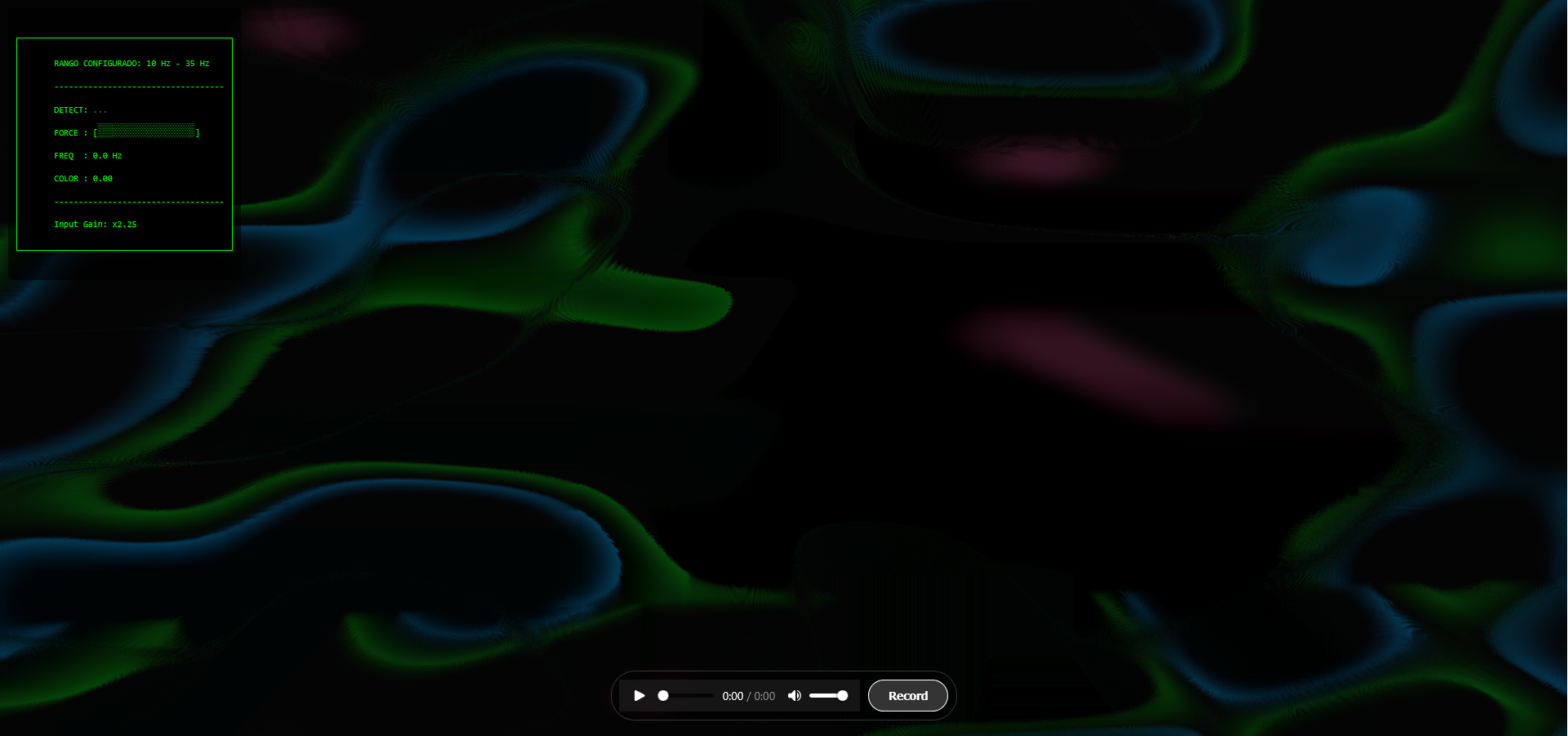
In this post I explain how I use Hydra to create audio-reactive visuals and generate music videos automatically.
GitHub Repo: https://github.com/agarnung/hydra-music-recorder
YouTube Channel: https://www.youtube.com/@agarnungm
What is Hydra?
Hydra is a visual synthesizer inspired by modular audio synthesizers, but instead of generating sound, it produces graphics and video in real-time. It runs directly in the browser, allowing you to create complex visual compositions using JavaScript code. It works by chaining functions that transform and combine images, similar to how modules are connected in systems like TouchDesigner or Max/MSP.
The main features of Hydra include:
- Modular syntax: Chain functions like
osc().rotate().color().out()to create complex visuals - Audio analysis: Integrates FFT analysis to make visuals react to audio in real-time
- Multiple buffers: Allows working with sources (
s0,s1, …) and output buffers (o0,o1, …) to create compositions with feedback and mixing - Browser execution: Everything runs in the browser using WebGL, without complex installations
To see all Hydra functions, check out its official documentation.
Workflow
My workflow for creating music videos with Hydra is based on the hydra-music-recorder project, which automates the process of generating customizable visualizations synchronized with offline audio.
1. Audio preparation
The system works with a local MP3/WAV audio file as the source. It loads directly in the browser and is analyzed using the Web Audio API.
2. Patch configuration
Each patch is a JavaScript file that defines the visual composition. Patches use audio analysis to control visual parameters:
- Low frequencies (bass): Control slow movement, scale, zoom, and rotation
- Mid frequencies: Affect deformation, texture, and color
- High frequencies: Generate brightness, flashes, and granular effects
The system analyzes audio via FFT and exposes values like impulse.value (energy of the configured range) and impulse.infra.value (energy of very low frequencies) that can be used directly in Hydra functions, allowing complete freedom to customize amazing visuals.
3. Rendering and recording
Once the patch is configured and audio is loaded:
- Start a local server (
./scripts/serve.sh audio.wav) - Open the browser at
http://localhost:8123 - The visual renders in real-time, reacting to the audio
- Record directly from the browser using the record button, which captures the canvas at high resolution (considering
devicePixelRatiofor maximum quality) - The video downloads automatically in WebM format
The system also includes scripts for offline rendering using Puppeteer, allowing deterministic frame generation and final video assembly with ffmpeg.
Note: The project includes different versions of the main Hydra file (hydrav1.js, hydrav2.js) that were developed during experimentation with different HUD designs and audio signal processing approaches. The current version (hydra.js) is the one that works best for my workflow.
Scripts
The project includes several scripts to automate the recording, rendering, and composition process:
-
serve.sh: Starts a local HTTP server on port 8123 and configures the audio file. It automatically handles port cleanup and generates theaudio-config.jsfile with the selected audio. Usage:./scripts/serve.sh audio.wav -
merge_audio_video.sh: Merges a video file (WebM) with an audio file (MP3/WAV), intelligently handling different formats and codecs. It automatically detects durations, trims if necessary, and preserves quality by copying video streams when possible. Supports MKV (lossless with FLAC), WebM (Opus audio), and MP4 formats. Usage:./scripts/merge_audio_video.sh video.webm audio.wav [output.mkv] -
video_to_HD.sh: Converts a video to HD format (1080p) with codecs optimized for YouTube. Uses H.264 with high profile, 12 Mbps bitrate, and AAC audio at 320 kbps. Automatically handles aspect ratio with padding if needed. Usage:./scripts/video_to_HD.sh input.mkv [output.mkv]
Patches used in music videos
Below I list the patches I’ve used to create the visuals for my music videos, each with its corresponding link to the final result on YouTube. All patches are available in the patches directory of the repository.
Sinestesia
YouTube link: https://www.youtube.com/watch?v=HqKgcVJlu6E |
Patch code: patchSinestesia.js |
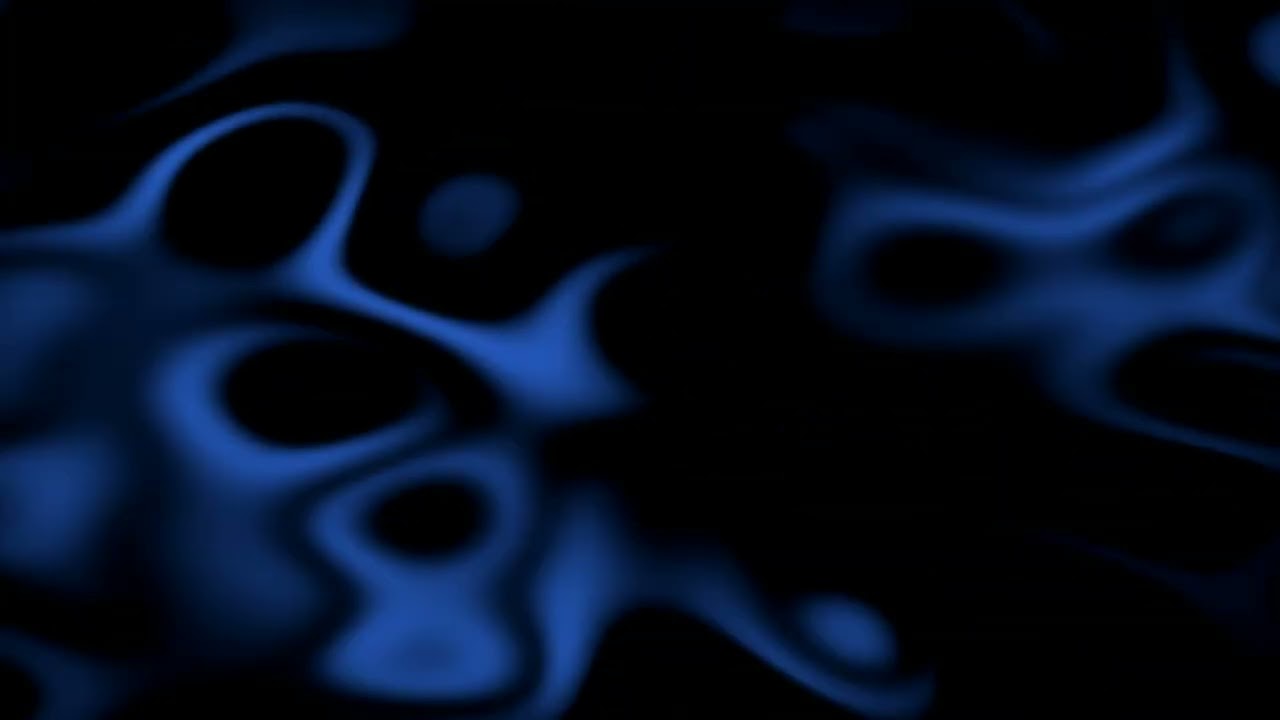
Noise-based patch with smooth modulation. Uses noise(2) with bass-reactive speed control (impulse.value) to create a fluid “ocean” effect. Features a four-sided shape mask, blue color palette (0.2, 0.4, 0.8), and feedback rotation from previous frames.
const base = noise(2, () => {
    /* FORMULA: return X + (impulse.value * Y);

       ---------------------------------------------------------
       VALUE X (here is 0.05) -> "REST" SPEED
       ---------------------------------------------------------
       Minimum speed when there is NO bass playing.
       ↑ IF YOU INCREASE X: Background will always be nervous, never stops.
       ↓ IF YOU DECREASE X: Background stays almost frozen in silences.

       ---------------------------------------------------------
       VALUE Y (here is 0.1) -> "ACCELERATION" POWER
       ---------------------------------------------------------
       How much extra speed is added at once when bass enters.
       ↑ IF YOU INCREASE Y: Change is violent (visual whip).
       ↓ IF YOU DECREASE Y: Change is subtle (just breathes a bit).
    */

    //       X                 Y
    return 0.05 + (impulse.value * 0.1);
  })
  .color(0.2, 0.4, 0.8)
  .modulate(noise(3), () => 0.5)
  .mask(shape(4, 0.8, 0.5))
  .contrast(1.1)
  .modulateRotate(src(o0), () => 0.1);
Albedo
YouTube link: https://youtu.be/Ut4zZMRd_cc |
Patch code: patchAlbedo.js |
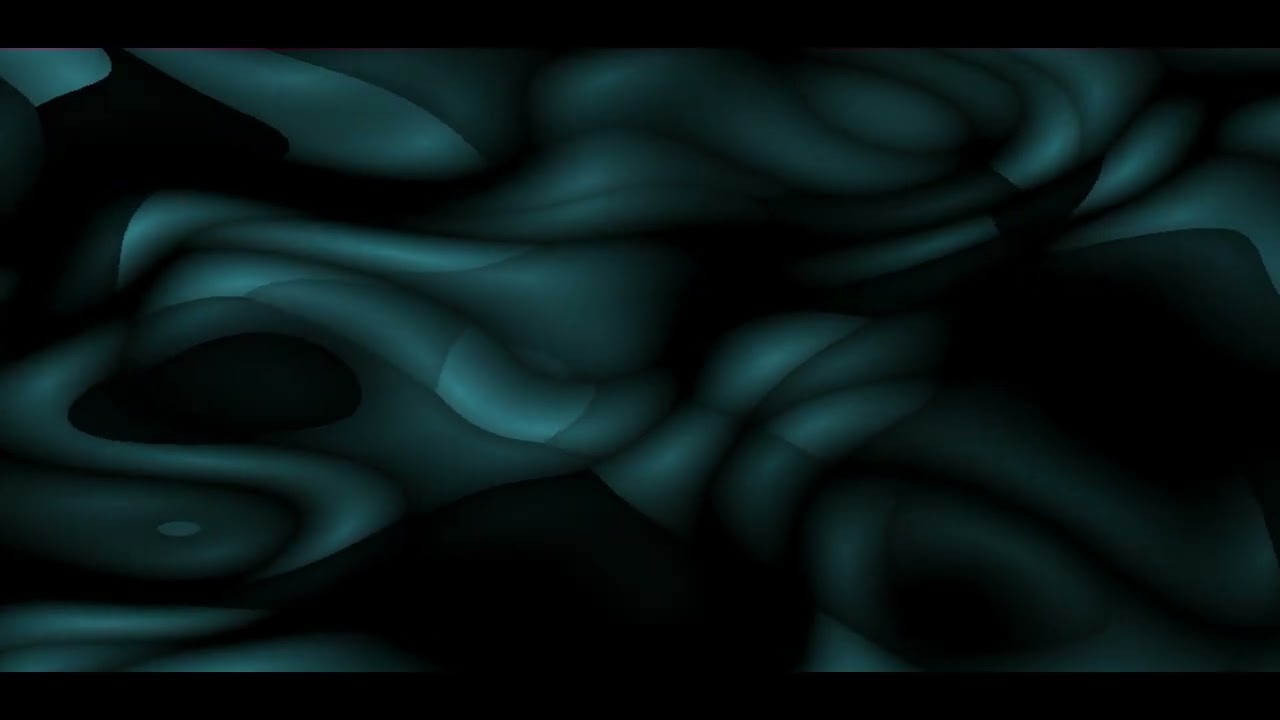
Voronoi-based composition (voronoi(5)) that deforms according to mid-range audio frequencies. Uses heavy pixelation (2000x2000), horizontal scrolling, and a turquoise color scheme (0.2, 0.5, 0.55) to create pulsing, organic cells.
const base = voronoi(5, 0.1,
    () => {
    return 1.5 + (impulse.value * 0.5); // default 1.5
  })
  .color(0.2, 0.5, 0.55)
  .modulate(noise(2, 0.01).add(gradient(), 0.15), 0.35)
  .pixelate(2000, 2000)
  .add(src(o0).scrollX(0.001), 0.05)
Sosiego
YouTube link: https://youtu.be/LwdEHEPYqjg |
Patch code: patchSosiego.js |
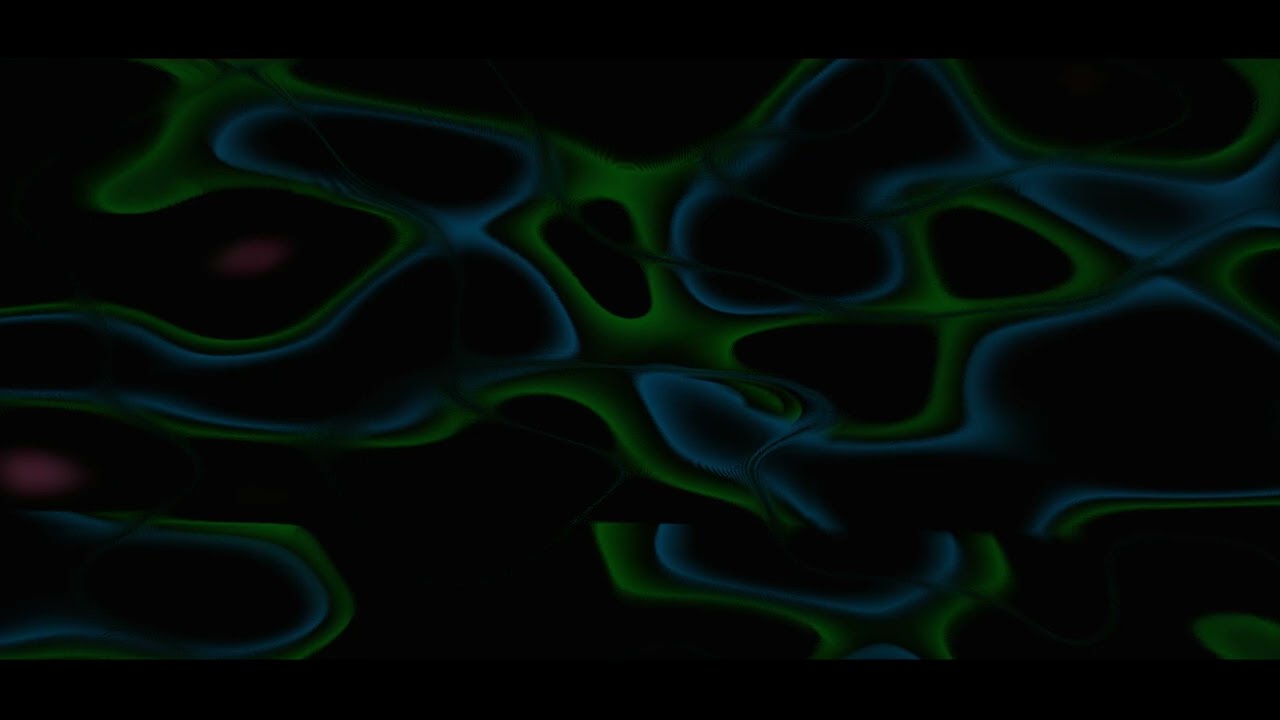
Minimalist visual with smooth noise (noise(3)) and bass-reactive color modulation. Uses a custom bassBlend() function that inversely maps bass intensity to blend amount—strong bass creates sharper transitions, silence creates smoother visuals. Features vertical scroll, colorama, and pixelate modulation.
// Bass-reactive blend control
function bassBlend() {
  // ENGINE.val ∈ [0,1]
  // Strong bass → small blend
  // Silence → large blend
  return clamp(1 - ENGINE.val * 1.2, 0.5, 0.9)
}

speed = 0.5

noise(3, 0.02)
  .modulateScrollY(osc(0.5), () => bassBlend() * 0.3)
  .color(
    () => 0.1 - bassBlend() * 0.05,
    () => 0.7 - bassBlend() * 0.08,
    () => 0.5 - bassBlend() * 0.01
  )
  .colorama(0.1)
  .luma(0.59, 0.1)
  .modulatePixelate(noise(3), 500)
  .blend(src(o0).scale(1.002), 0.9)
  .out(o0)

processingLoop();
Zozobra
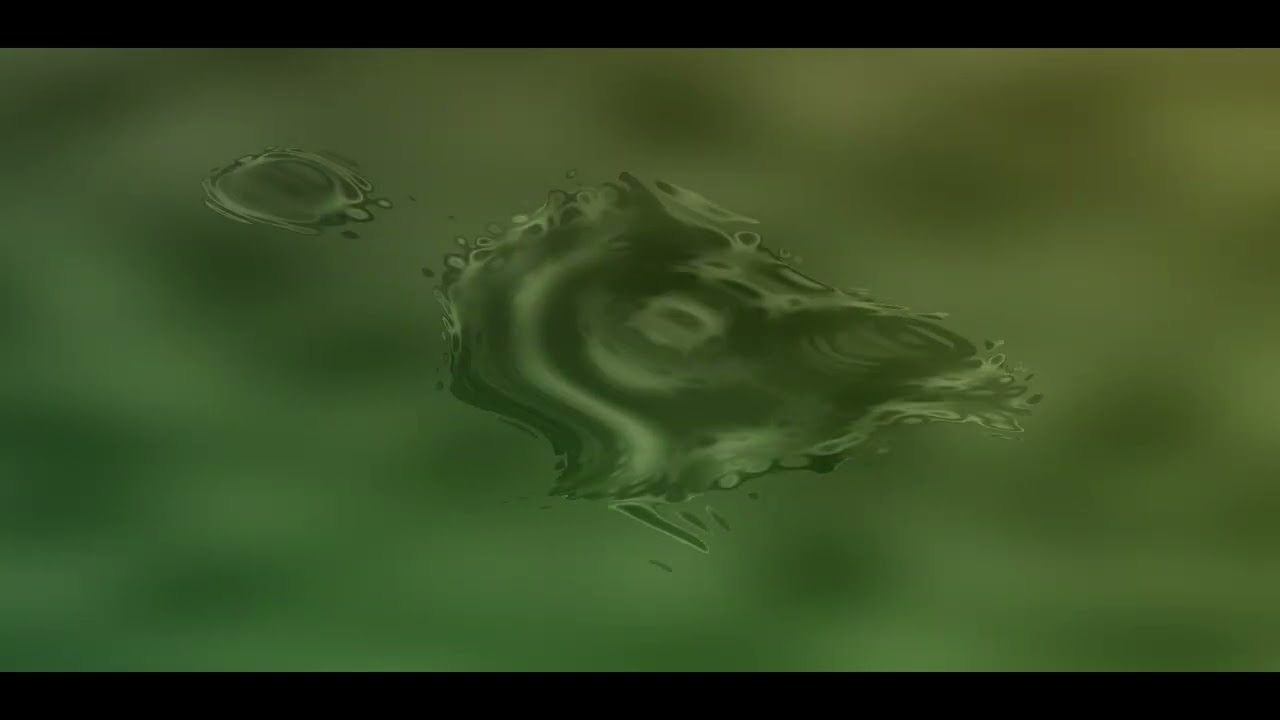
YouTube link: https://www.youtube.com/watch?v=O1qz4I04cRE |
Patch code: patchZozobra.js |
3D sphere rendered using a custom GLSL function sphereDisplacement2 for ray-marching displacement. The sphere texture combines oscillators with thresholding and noise. Bass frequencies (after 18.25 seconds) dramatically increase displacement, causing violent deformation. Composited over an abstract background using masking.
hush()

speed = 0.35 // Global variable that scales time for all Hydra. Low number (0.1, 0.2) to go slow

// 1. Define the function first
setFunction({
  name: 'sphereDisplacement2',
  type: 'combineCoord',
  inputs: [
    { name: 'radius', type: 'float', default: 4.0 },
    { name: 'rot', type: 'float', default: 0.0 }
  ],
  glsl: `
    vec2 pos = _st - 0.5;
    vec3 rpos = vec3(0.0, 0.0, -10.0);
    vec3 rdir = normalize(vec3(pos * 3.0, 1.0));
    float d = 0.0;

    for(int i = 0; i < 16; ++i){
      float height = length(_c0);
      d = length(rpos) - (radius + height);
      rpos += d * rdir;
      if (abs(d) < 0.001) break;
    }

    if(d > 0.05) {
      // "Dead" coordinate for background (we'll use this to crop)
      return vec2(0.05, 0.05);
    } else {
      return vec2(
        atan(rpos.z, rpos.x) + rot,
        atan(length(rpos.xz), rpos.y)
      );
    }
  `
})

// 2. Render the SPHERE in buffer o1
// We use .color(0,0,0) at the beginning to clear the background of this buffer
src(o1)
  .layer(
    osc(3, 0.1, 0.75)
  	.thresh(0.5, 5)
  	.blend(noise(2.5), 0.5) // Sphere texture
    .sphereDisplacement2(
      // Here's the trick: we mix noise with background feedback (src(o0))
      // so the sphere deforms with what happens behind it.
      noise(
        () => {
          const bassEffect = audio.currentTime >= 18.25 ? 25 * impulse.infra.value : 2;
          return bassEffect;
        }
        , 0.5),
      4.0,
      time * 0.4
    )
  )
  .out(o1)

// 3. Render the BACKGROUND and compose in o0
src(o1)
  // --- BACKGROUND ---
  .modulate(noise(3),0.25).thresh(0.85, 0.9)
  .blend(noise(4),0.1).colorama(0.2)
  .blend(gradient(0.5).hue(0.1),0.1)

  // --- COMPOSITION ---
  // Put o1 (the sphere) on top
  // We use .mask() with thresh to erase the black square around the sphere
  .layer(
    src(o0)
    .mask(src(o1).thresh(0.75)) // Crop what is black/dark
  )
  .out(o0)
Anhedonia
YouTube link: https://www.youtube.com/watch?v=D68Kswu17kI |
Patch code: patchAnhedonia.js |
Noise-based patch with pixelate modulation creating a granular, textured effect. Uses noise(3) scaled to 0.5 with sinusoidal pixelation. After 7 seconds, bass frequencies (impulse.infra.value) activate scale modulation, causing dramatic expansion and contraction. Blends two noise layers for depth.
let base = noise(3)
  .modulatePixelate(
    noise(3),
    () => Math.sin(2 * Math.PI * 0.2  * time) - 2 * 1,
    512
  )
  .scale(0.5)

base
.blend(
    noise(3, 0).modulateScale(
        noise(3, 0),
        () => {
        const bassEffect = audio.currentTime >= 7 ? 1.25 * impulse.infra.value : 0;
        return bassEffect;
        },
        1
    ),
    0.25 // Blend control (0-1)
    )

.out(o0)
Anhelo
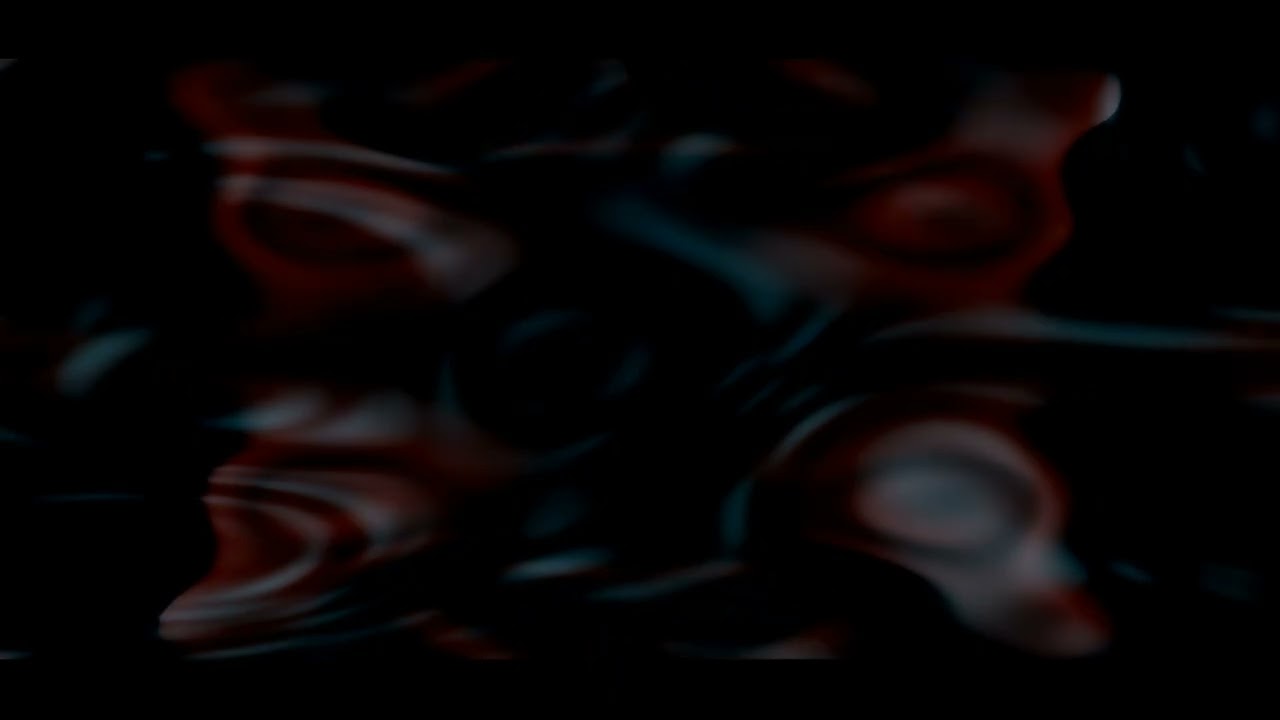
YouTube link: https://youtu.be/u_PhKfNZNbU |
Patch code: patchAnhelo.js |
Multi-layered composition combining warm and cool palettes. Base layer uses noise(2) with kaleidoscope (2-fold symmetry) and a 50-sided shape mask. Blends with a second layer featuring Voronoi-like structures with heavy pixelation. Blend ratio changes dynamically at 14 seconds from static to bass-reactive.
// Bass-reactive blend control
function bassBlend() {
  // ENGINE.val ∈ [0,1]
  // Strong bass → small blend
  // Silence → large blend
  return clamp(1 - ENGINE.val * 1.2, 0.5, 0.9)
}

speed = 0.5

// Base layer
noise(2, 0.15)
  .color(0.65, 0.4, 0.4)
  .modulate(noise(3), () =>  0.5)
  .mask(shape(50, 0.8, 0.5))
  .kaleid(2)
  .modulateRotate(src(o0), () => 0.1)
  .contrast(1.5)
  .blend(
    noise(5)
      .color(0.2, 0.5, 0.6)
      .modulate(
        noise(2, 0.01).add(gradient(), 0.15),
        0.5
      )
      .pixelate(2000, 2000)
      .scrollX(0.001)
      .scale(1.1),
    () => (audio.currentTime <= 14) ? 0.85 : bassBlend()
  )

  .out(o0)

processingLoop();
Saudade
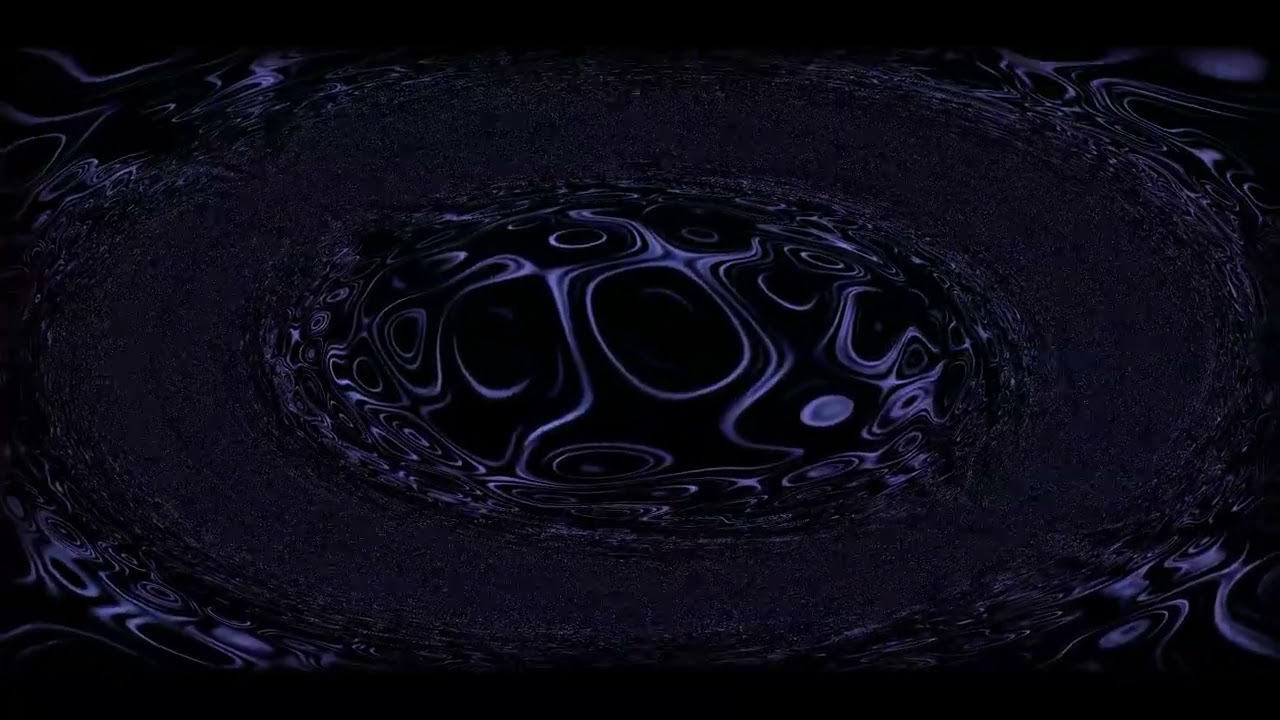
YouTube link: https://www.youtube.com/watch?v=1lCX5sV1jv4 |
Patch code: patchSaudade.js |
Voronoi-based patch with expansive wave effects in a gray nebula aesthetic. Uses voronoi(10) with very low brightness (0.01) and animated colorama effects. Features modulation with noise and gradients, kaleidoscope effects, and a four-sided shape mask. Includes a fake blur effect via scaling and blending with previous frames.
// Expansive wave in gray nebula

voronoi(10,0.1,0.1)
  .color(0.4,0.4,0.65)
  .colorama([0.005,0.015,0.02,0.025].fast(1))
  .brightness(0.01)
  .modulate(noise(2).add(gradient(1),0.1),5)
  .modulateScale(osc(5,-0.5,0).kaleid(100).scale(0.5),1,-1)
  .contrast(1.35)
  .mask(shape(4, 0.8, 0.25))

  // Fake blur
  .scale(1.1)
  .add(src(o0).scale(0.99), 0.25) //  <= PUT IMPULSE HERE IN 0.05-0.5

  .out(o0)
Technical considerations
Resolution and quality
To avoid pixelated appearance, it’s important to correctly configure the canvas resolution considering devicePixelRatio:
const dpr = window.devicePixelRatio || 1;
canvas.width = width * dpr;
canvas.height = height * dpr;
hydra.setResolution(canvas.width, canvas.height);
Frequency mapping
The system allows configuring specific frequency ranges to analyze different parts of the spectrum. For example, to focus on bass:
const INTEREST_RANGE = {
  min: 10, // Minimum frequency (Hz)
  max: 35  // Maximum frequency (Hz)
};
Video recording
Recording is done via the MediaRecorder API, capturing the canvas stream at 30 FPS. Bitrate adjusts automatically according to resolution and can be configured via the RECORDING_QUALITY_SCALE variable (0.5 for medium quality, 1.0 for maximum quality).
References and resources
TODO
-
In the future, it would be good to develop an improvement to accept live audio input as a second audio source. To use guitar or bass connected via sound card, it’s necessary to configure an audio loopback (PulseAudio on Linux, BlackHole on macOS, VB-Audio Cable on Windows…) so the browser can access the input.
-
The current system is not very intuitive or visually appealing to configure. It would be beneficial to create an interactive HUD that allows users to truly customize and create patches online, making the process more accessible and less programming-intensive.
